
Launchpad for installers
Connect, configure and hand off any OCPP charger. Free, open and non-disruptive.
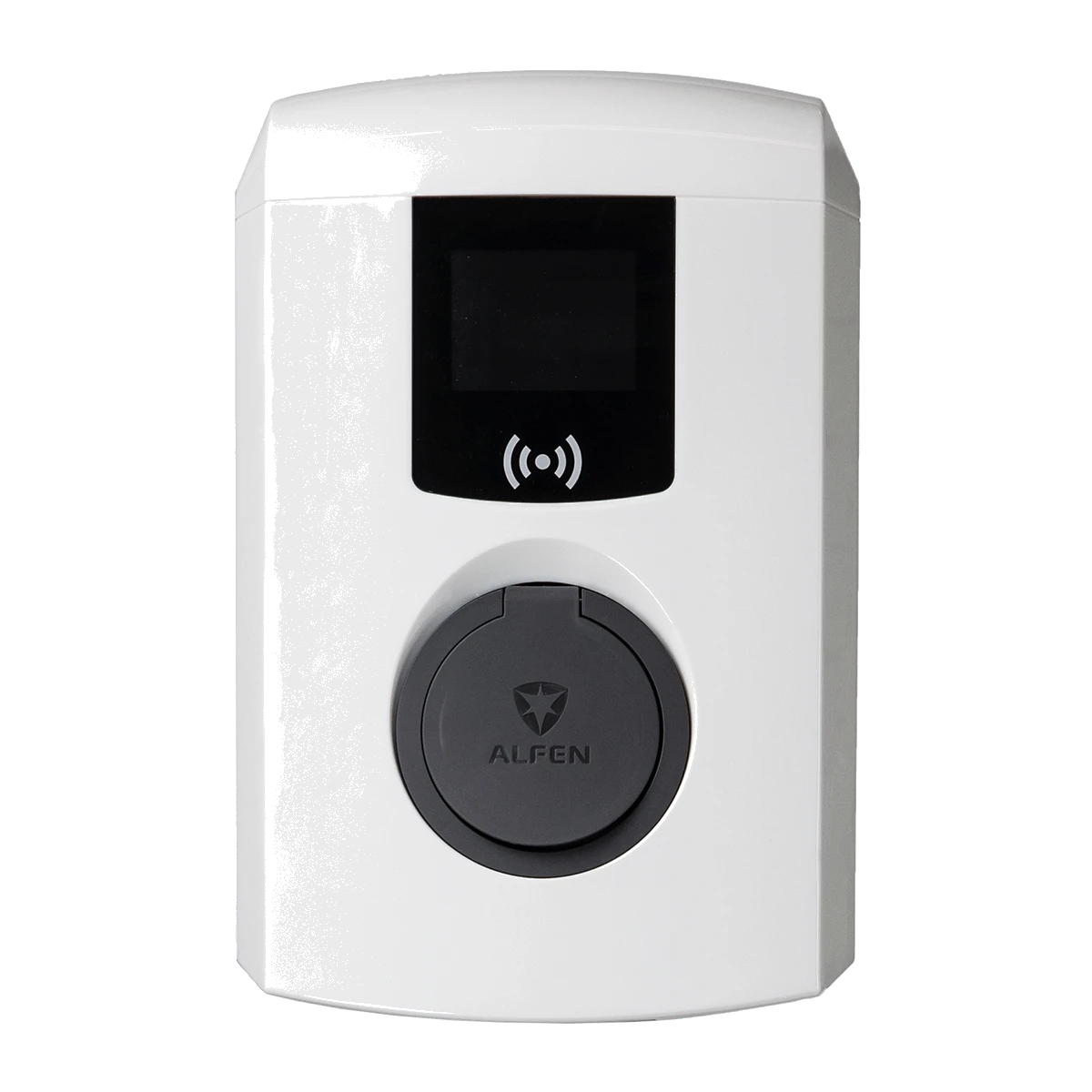
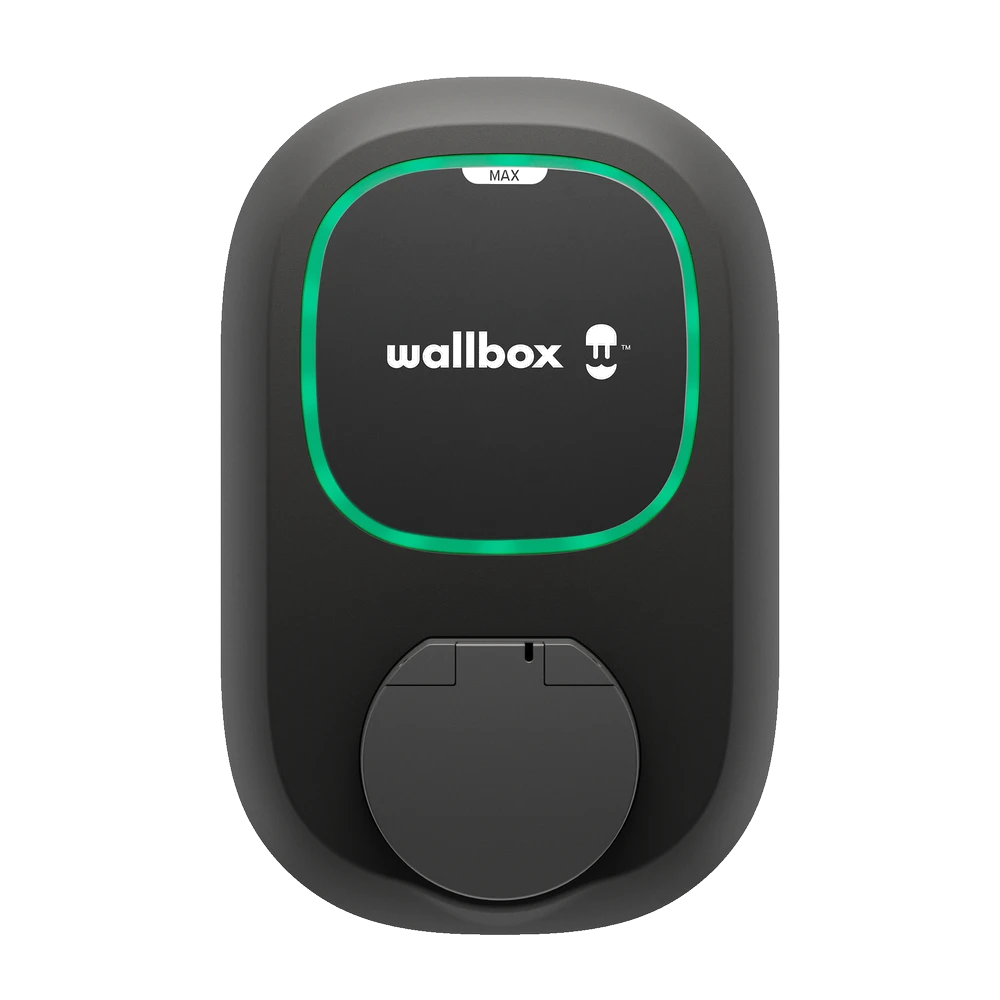
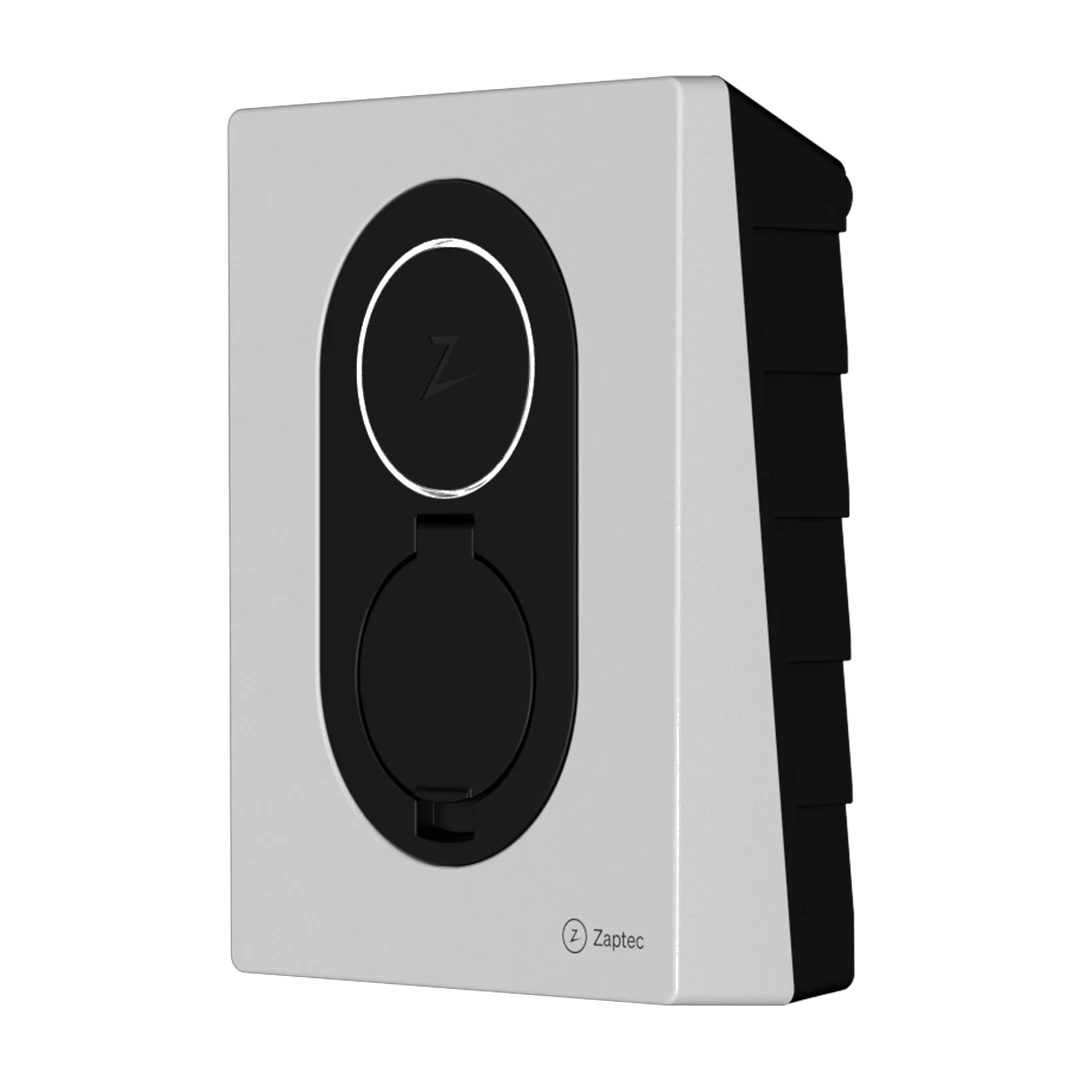
Every OCPP charger, any brand
The app normalizes the charging experience across brands. Same interface, same features, regardless of charger manufacturer.
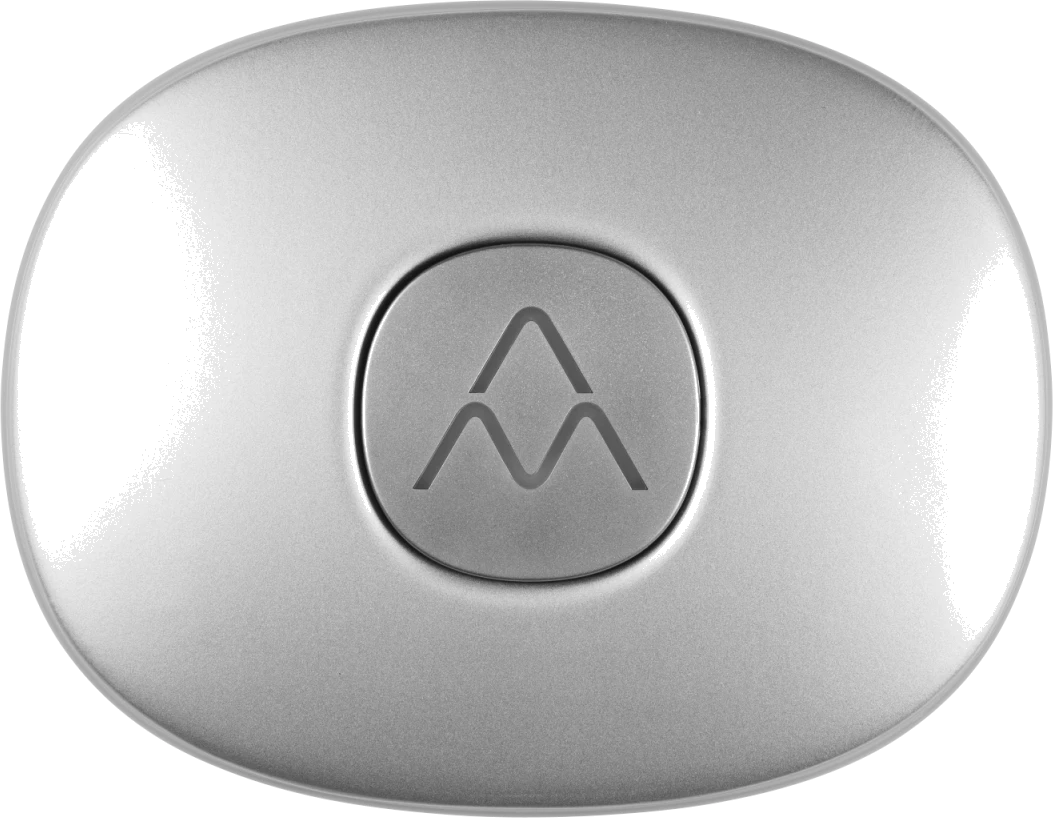
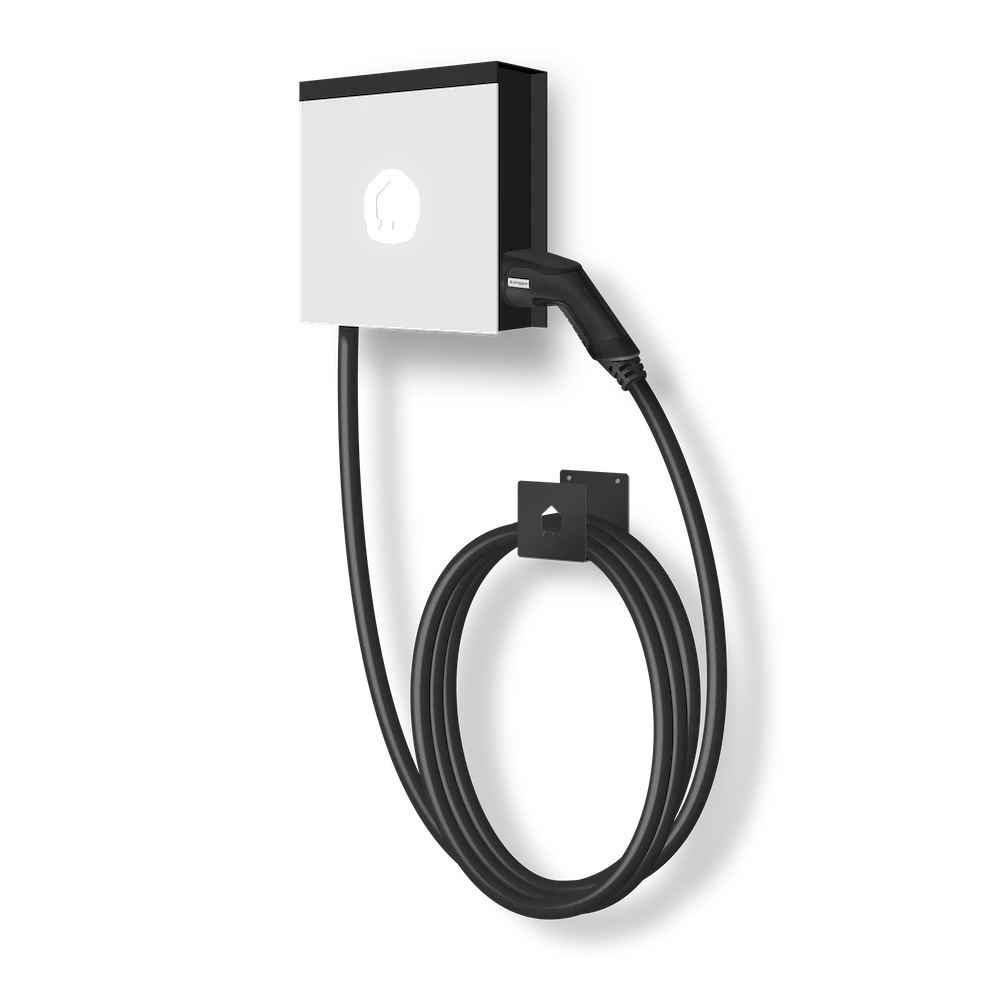
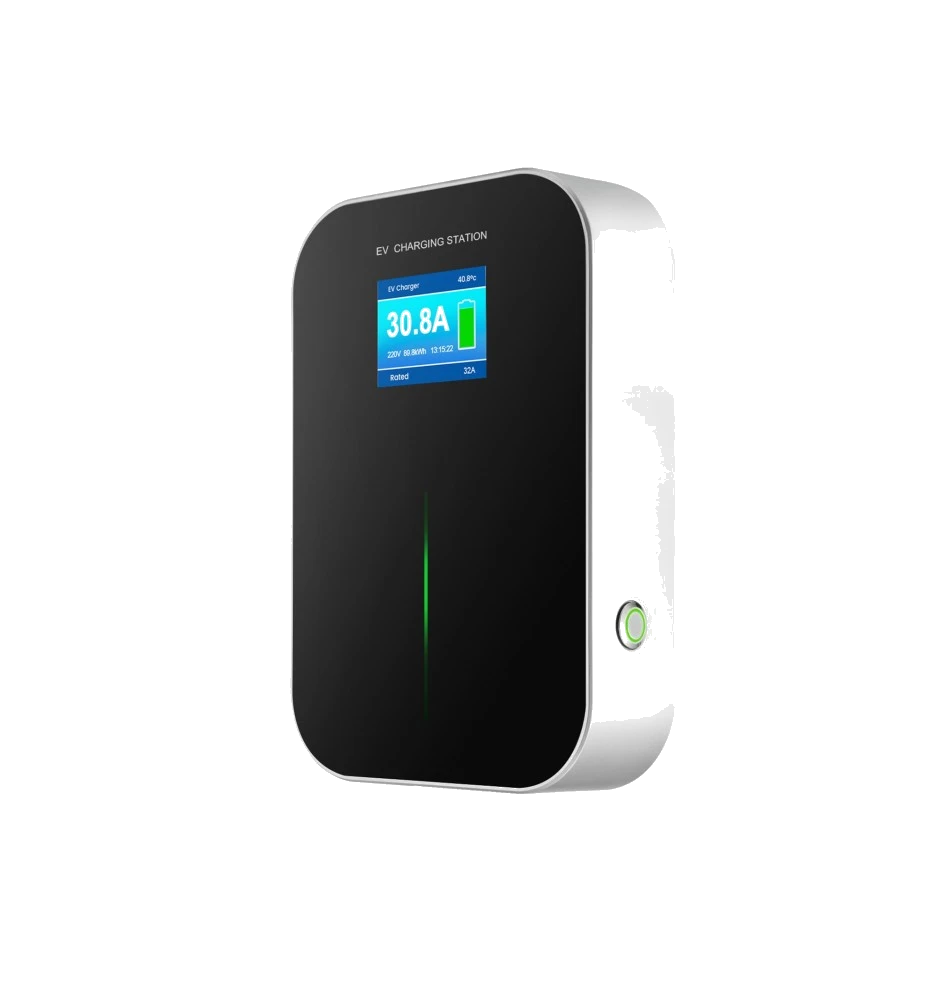

What you get Three reasons installers choose Plugchoice.
Save costs
The entire platform is free for basic charger management. Pre-configure remotely, troubleshoot without driving back, and hand off to customers without extra tooling.
- Free platform
No subscriptions, no per-charger fees. Web portal, app and REST API included. Smart Charging available as a one-time add-on.
- Remote configuration
Set up locations, chargers, grid settings and power limits from your desk. Chargers pick up config automatically on first connection.
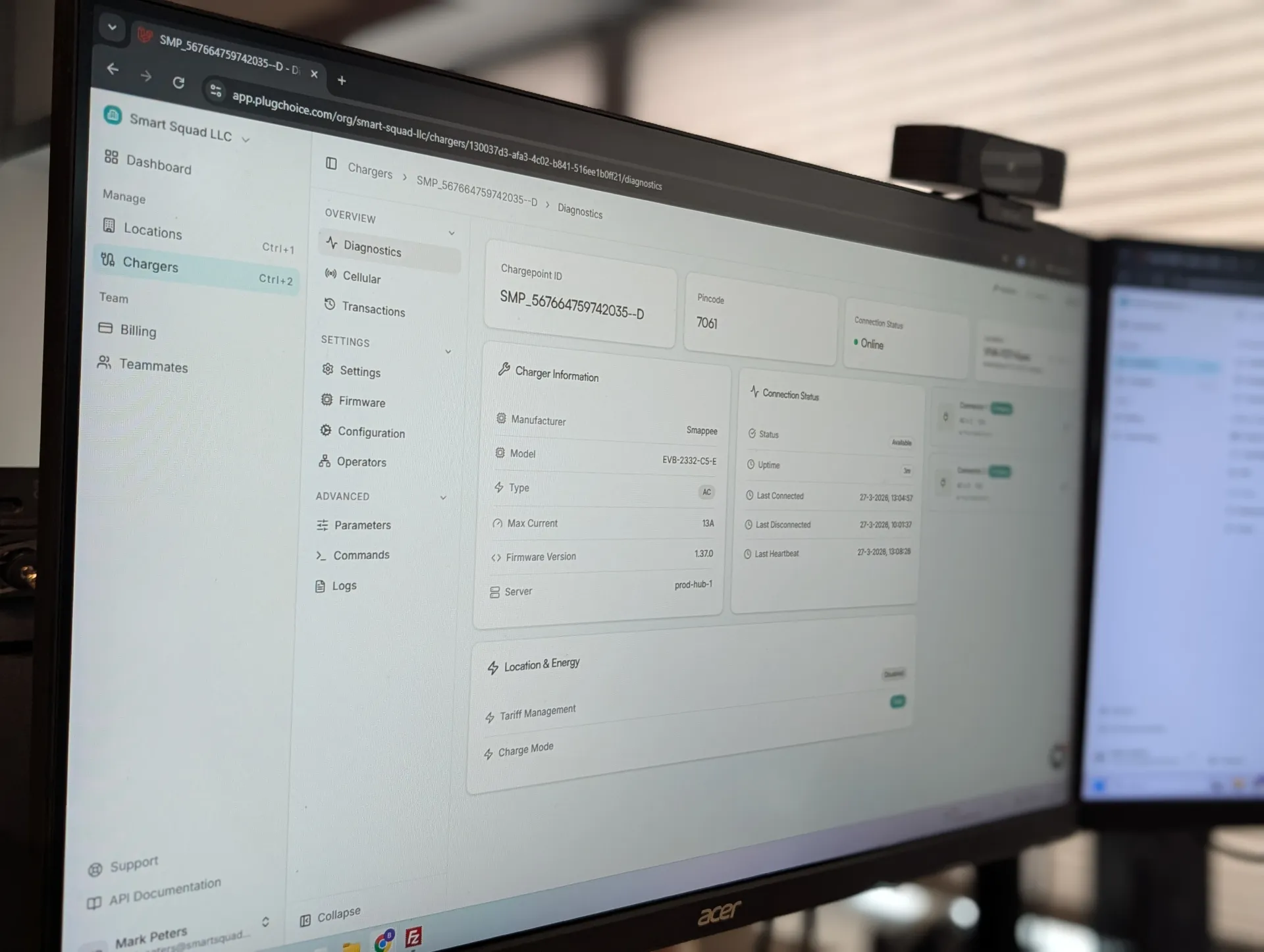
- Remote diagnostics
Voltage, current, temperature, error codes. Full OCPP logging and alerts so you can troubleshoot without a truck roll.
- Plugchoice Support
Direct support with a response within 5 minutes for partners, best effort. We help you and your customers.
Win freedom
Open, non-disruptive and hardware-agnostic. Run alongside any backoffice via OCPP Proxy. Connect any OCPP charger. Migrate without touching hardware.
- OCPP Proxy
Run alongside any billing platform. Add or remove backoffices with one click. Non-disruptive, no charger reconfiguration needed.
- REST API + integrations
Full programmatic access to chargers, sessions and energy data. Connect to any EMS, automation system or build your own dashboard.
- Any OCPP charger
Hardware-agnostic. Any brand, any model, AC or DC. Portal, app and API all present the same normalized interface.
- White label
Customize the platform with your own logo, colors and domain. Build branded portals for your customers.
Add value
Give your customers a polished app experience and Smart Charging without building anything yourself. End-user app, solar balancing and dynamic pricing included.
- End-user app
Your customer controls their charger from the Plugchoice app. Smart charging, live energy prices and solar balancing included.
- Smart Charging add-on
Power Management and Tariff Management as a one-time paid upgrade. Wireless load balancing, solar integration and dynamic pricing.
- Built-in support channel
Your customers reach you through the app. No separate support tool needed.
- ERE & VPP
Earn additional revenue through Energy Returned to Grid (ERE) and Virtual Power Plant participation.
Save time and costs
Remote setup and on-site commissioning
Pre-configure entire locations before arriving. Use the app for guided on-site commissioning in minutes.
- Pre-configure chargers, locations and settings remotely
- Guided on-site commissioning via the mobile app
- Bulk actions: reboot, reset, apply settings across your fleet
Troubleshooting and diagnostics
Full logging, real-time diagnostics and proactive alerts. Solve problems from your desk.
- Complete OCPP logging and error reporting
- Remote diagnostics: voltage, current, temperature, error codes
- Alerts and notifications for proactive support
Fleet operations and support
Manage hundreds of chargers. Firmware updates where supported, handover reports and direct Plugchoice support.
- Firmware management where supported by charger brand
- Site handover reports you can export and share
- Plugchoice support aims to respond in under 5 minutes
Smarter and safer charging
Load Balancing
Distributes available power across all chargers in a group automatically. Caps total site consumption at the main fuse.
Solar Balancing
Prioritizes solar surplus for charging. Switches between grid and solar production in real time.
Dynamic energy prices
Charge based on real-time energy tariffs. Prioritizes cheap hours and avoids peak rates automatically.
Full Phase Aware
Balances power across L1, L2 and L3 independently. Prevents single-phase overload on asymmetric loads.
Your customer chooses
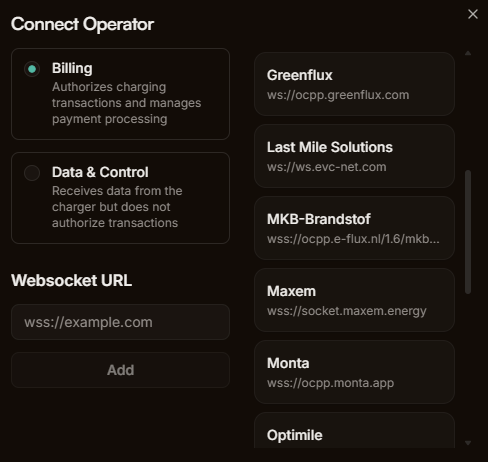
OCPP Proxy routes charger messages to any backoffice without replacing your current setup. Add or remove operators with one click. Your chargers stay connected to Plugchoice.
OCPP Proxy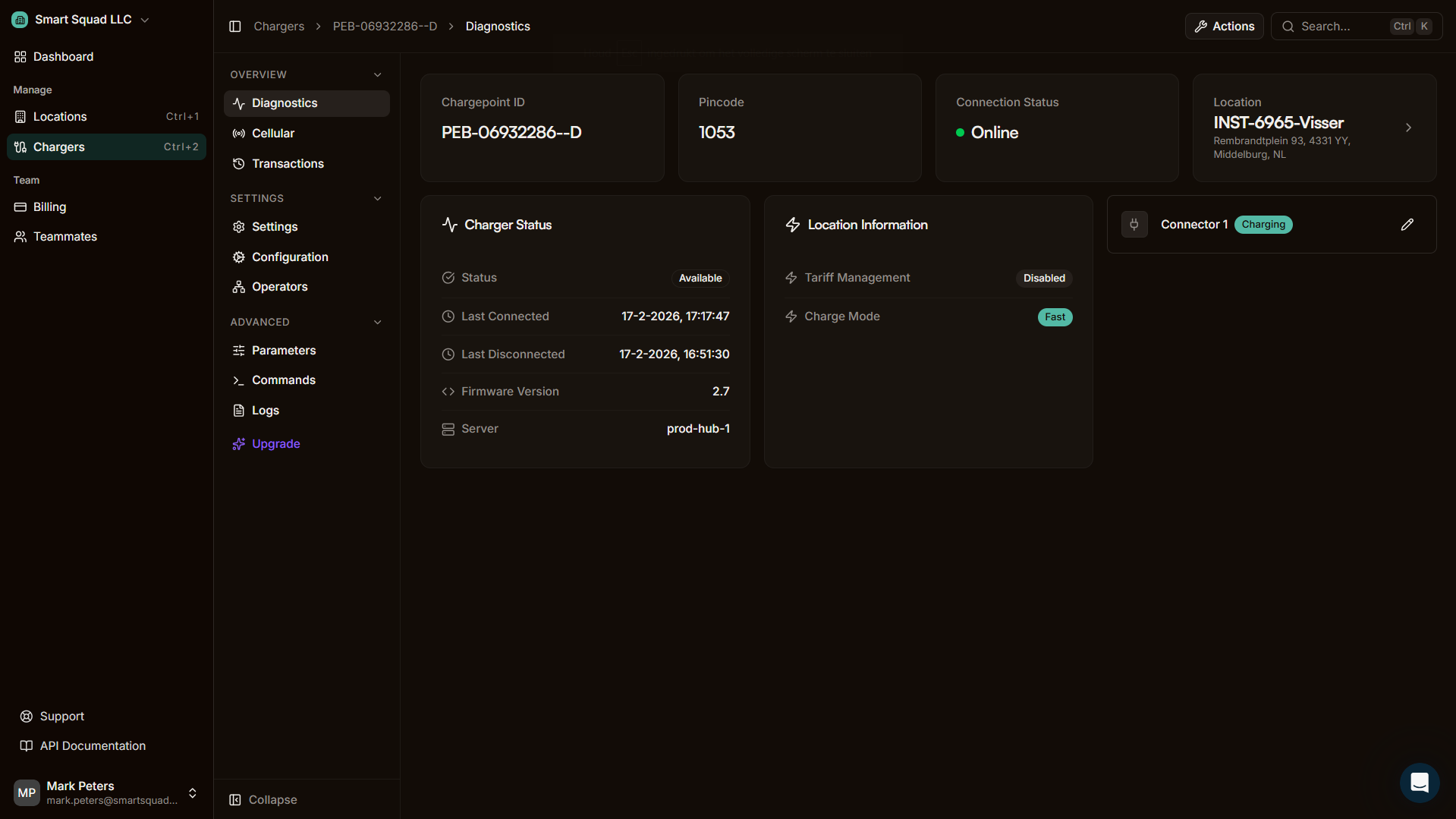






Download the app
Control any charger from anywhere
- Start / Stop charging
Remotely begin or end a session from the app, no matter where you are.
- Manage cards
Add, remove and manage charge cards for your users directly from the app.
- Check transactions
Full session history with energy, duration and cost breakdown.
- User management
Add or remove users, assign chargers and set individual permissions.
Smart Charging built in
- Dynamic Load Balancing
Automatically distributes available power across all connected chargers in real time.
- Solar Balancing
Prioritizes self-generated solar energy before drawing from the grid.
- Charging on dynamic energy prices
Charges when electricity is cheapest based on real-time market rates.
- Peak Shaving
Prevents grid overload by capping total consumption during peak demand.
- Scheduled Charging
Set preferred time windows so charging happens off-peak automatically.
For Installers made simple
- Easy configuration
Set up charger parameters through a clean interface, no CLI needed.
- Operator management
Add or remove operators with a single click from the app.
- Premium support
Direct line to our team. No tickets, no queues, no waiting.
- Add Meters
Configure energy meters directly from the app for power management.
Integrate with the systems of tomorrow
REST APIHow it works From sign-up to remote support, in five steps.
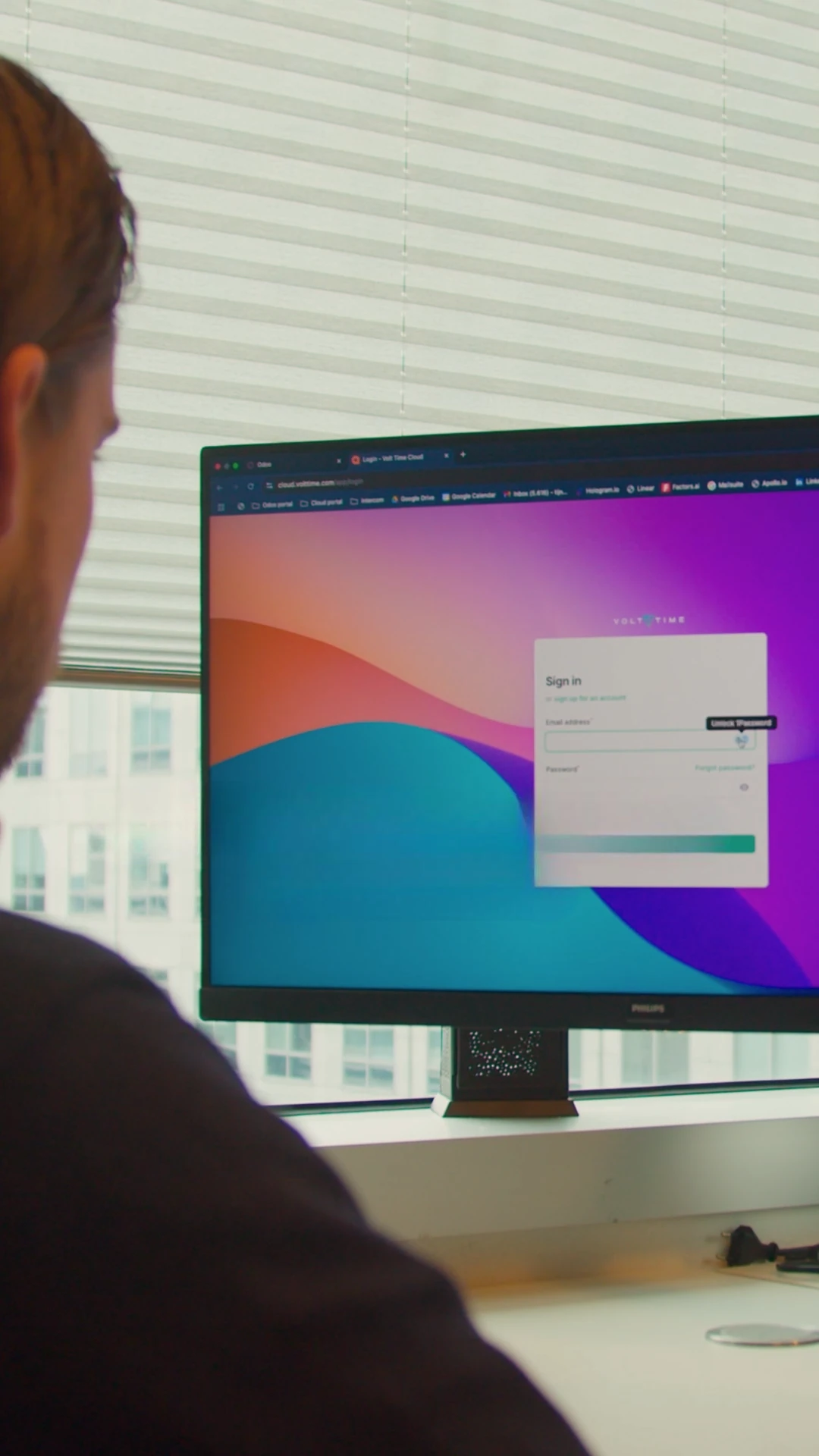
Create your account
Sign up for Plugchoice in under a minute. The platform is free for basic charger management. No subscriptions, no per-charger fees.
Add your chargers
Point any OCPP charger to the Plugchoice websocket URL. Some chargers come pre-configured. Add chargers by serial number or let them connect automatically.
Configure and commission
Set up locations, assign chargers and configure power limits from your desk. On-site, use the app for guided commissioning and connect the wireless energy meter. No control wiring needed.
Hand off to your customer
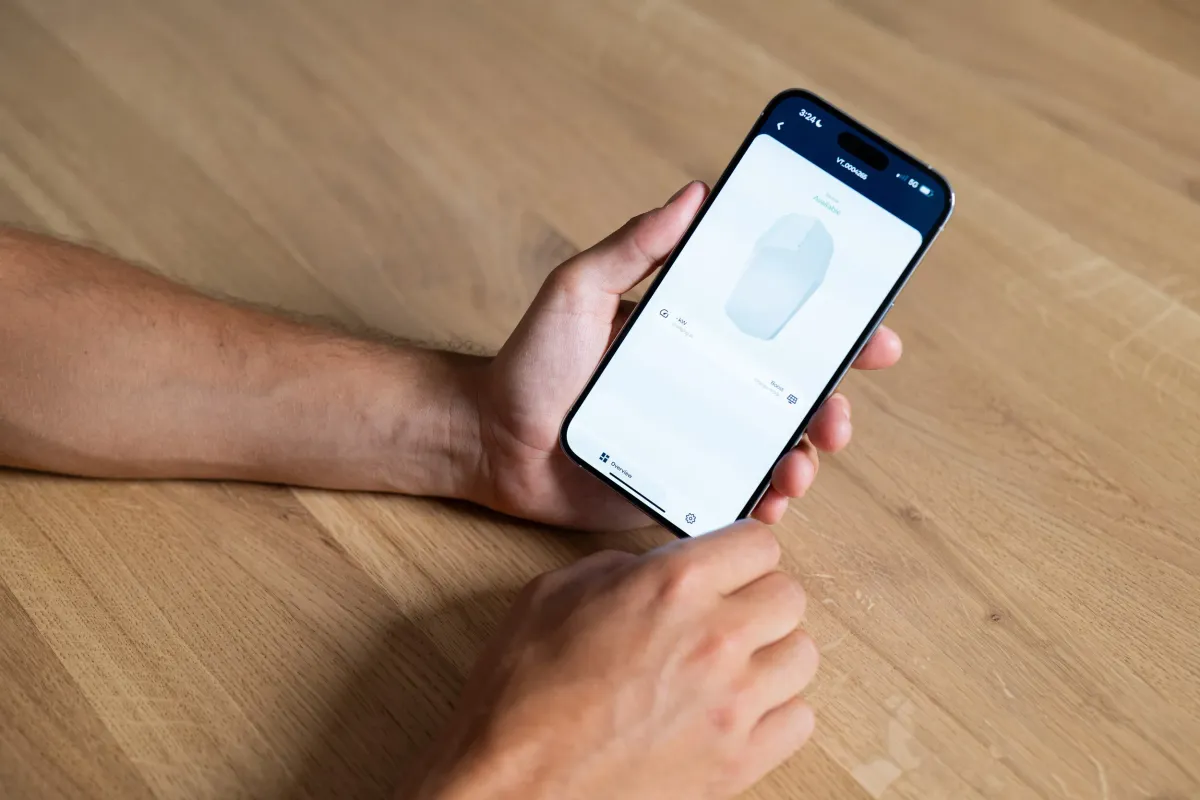
Invite your customer via email or QR code. They get the Plugchoice app with smart charging, live energy prices and solar balancing. You stay in control of the backend.
Monitor and control
Monitor every charger from the web portal. Run diagnostics, check live sessions, manage firmware and receive alerts. No more unnecessary site visits.
Make it yours White-label the platform for yourself and your clients.
White Label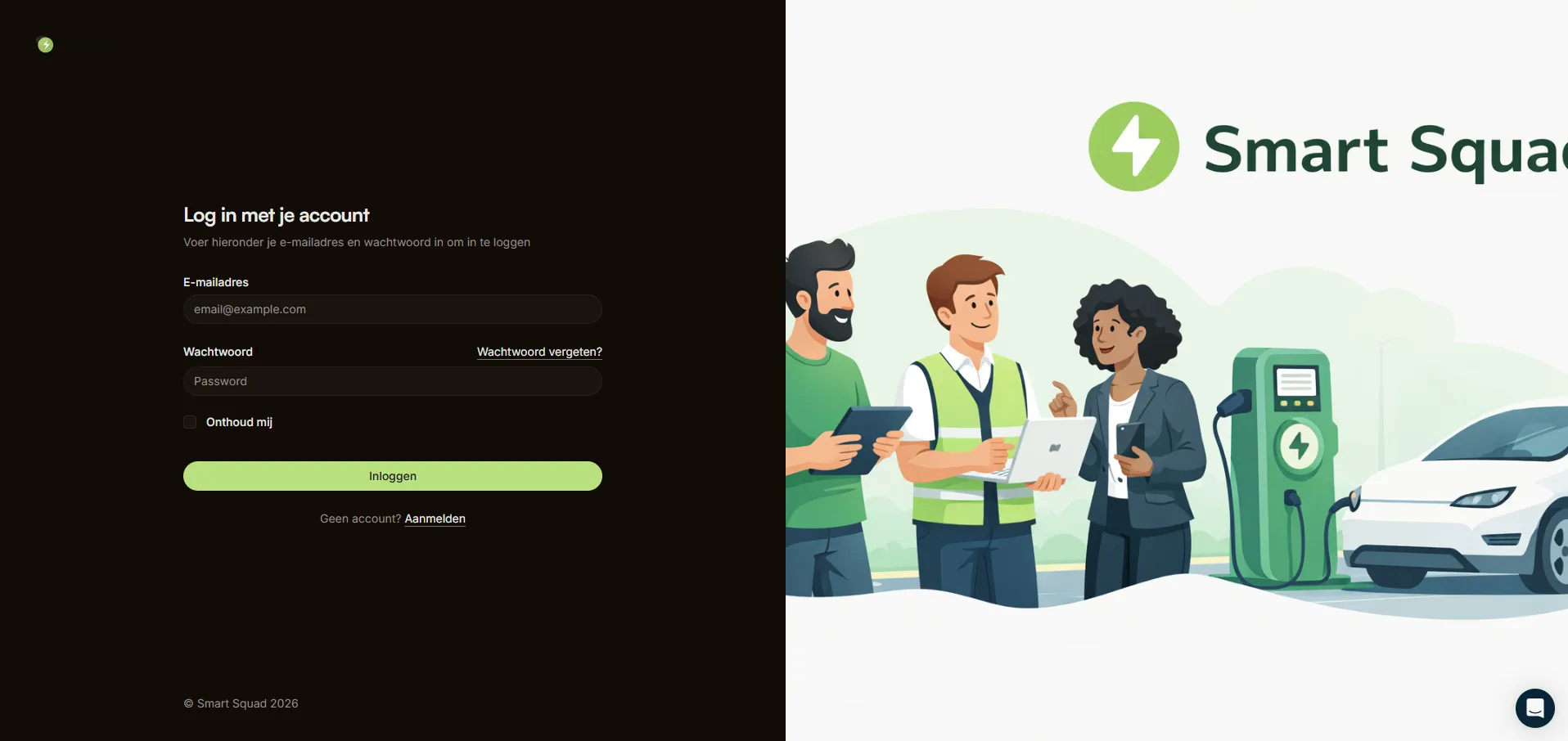
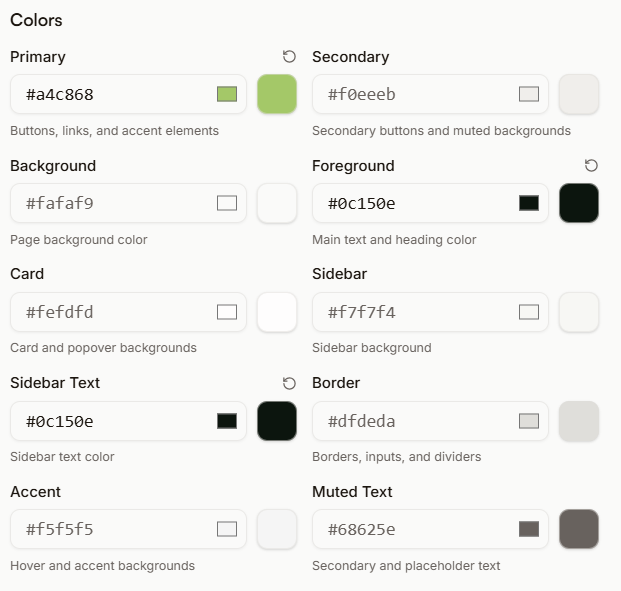
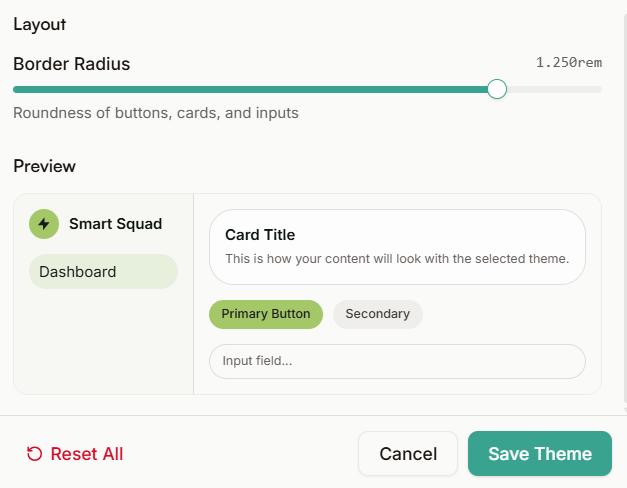
DIY White Labeling
Create a fully branded Web Portal with your own logo, colors and domain. Build separate portals for each of your clients.
Custom App
Offer your customers a branded mobile app with your logo and colors. Available as an optional add-on.
Explore the platform Dive deeper into each part of Plugchoice.
Get started in minutes
Create an account, connect your first charger and start managing. If you need help, a human aims to answer within 5 minutes (best effort).