
Your Peblar in the Plugchoice app.
Auto Connect moves a Peblar Home, Home Plus or Business to Plugchoice. Then you control it from your phone and charge on solar or in the cheapest hours.
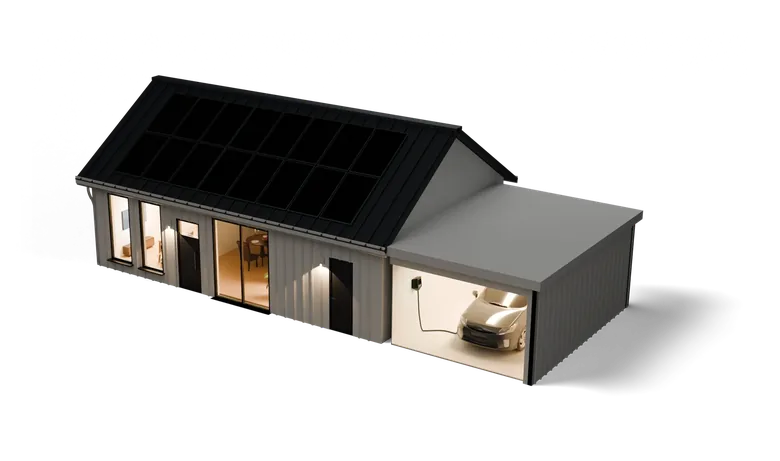
Charge on solar and in the cheapest hours
Pick an energy mode in the app. Smart Charging stays within the current limit set on your Peblar. Charging on solar needs a meter on your main connection.
Connect your charge card, meter and smart home
Control your Peblar from your phone
Start and stop from the sofa
See what the car draws and stop charging whenever you like.
Lock your charger
While it is locked, nobody can start a session. Or turn on Autostart and charging starts when you plug in.
Your charge cards
Auto Connect brings over the cards your Peblar knows. Cards work on every charger at your address.
Every session, with kWh
Each session shows when it started, the card, its kWh and how long it ran. Export them as a PDF or CSV file, for example for the company car.
Share your charger
Invite the people you live with, each with their own login. Everyone sees their own sessions.
Connect your Peblar
Scan the commissioning card
The app reads the WLAN Login code on the card from the box. Type the device password and your phone joins the Peblar's wifi.
The app moves your Peblar over
It reads the settings, charge cards and past sessions, keeps your back office connected and points the Peblar at Plugchoice.
Your Peblar is in the app
It sits next to any other chargers you have, with its charge cards and sessions.
Peblar chargers
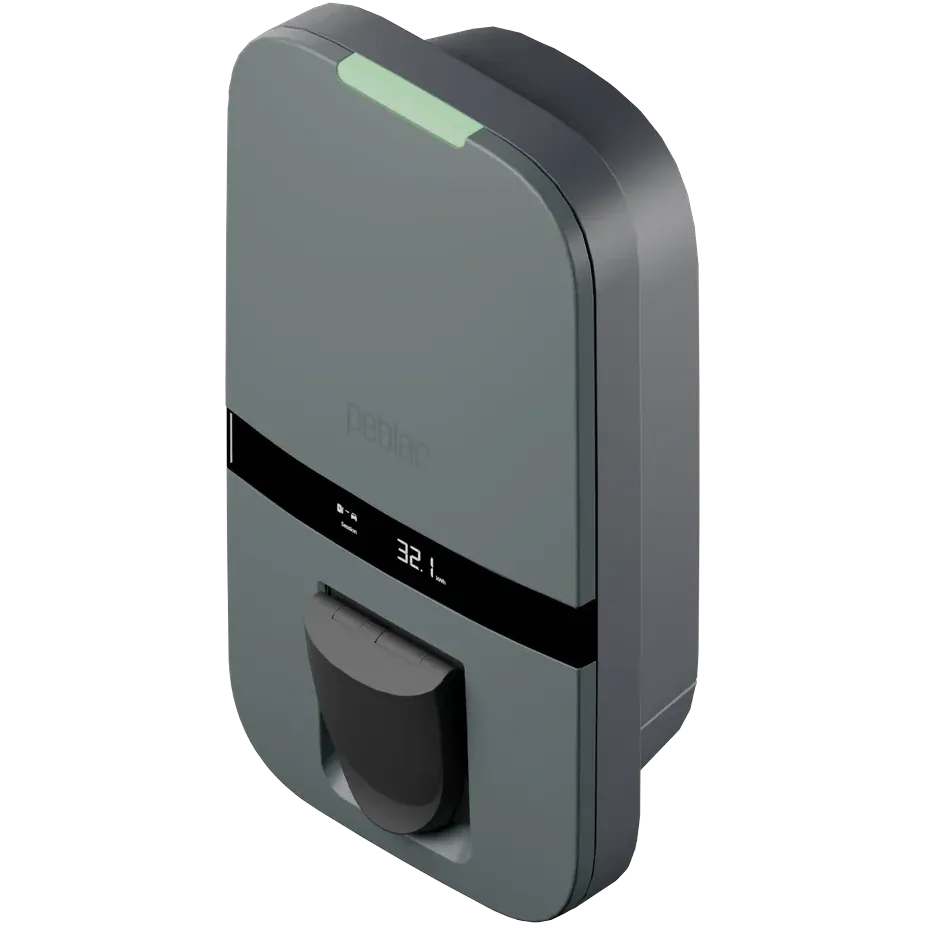
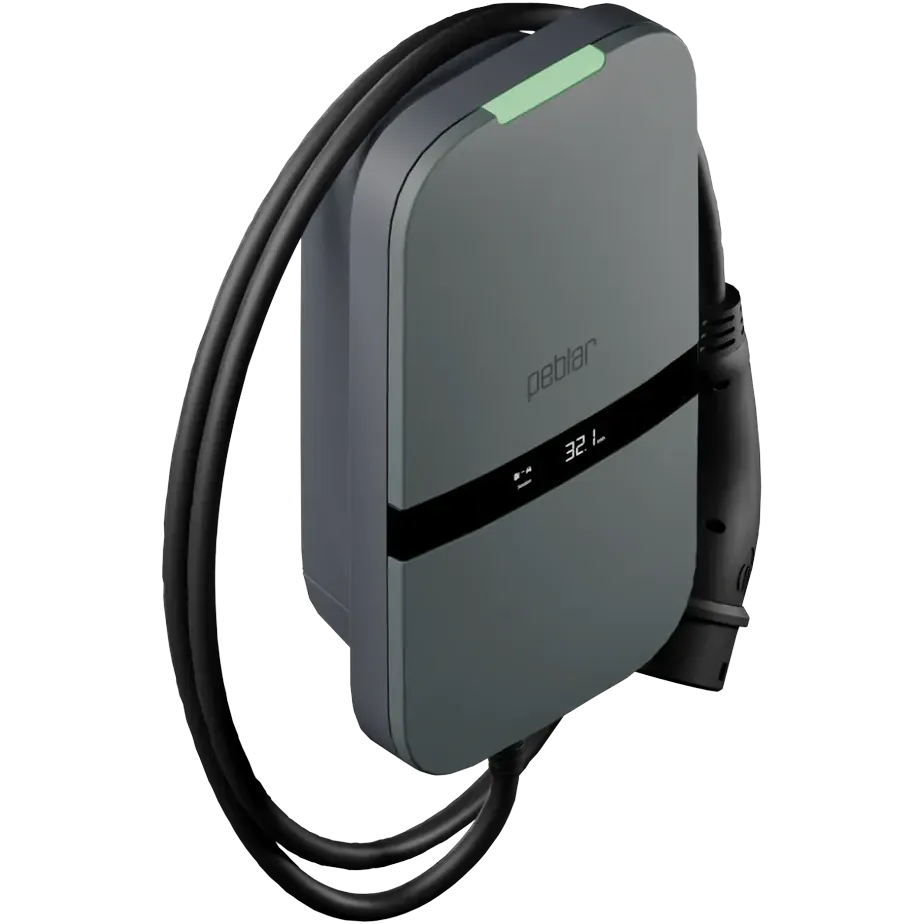
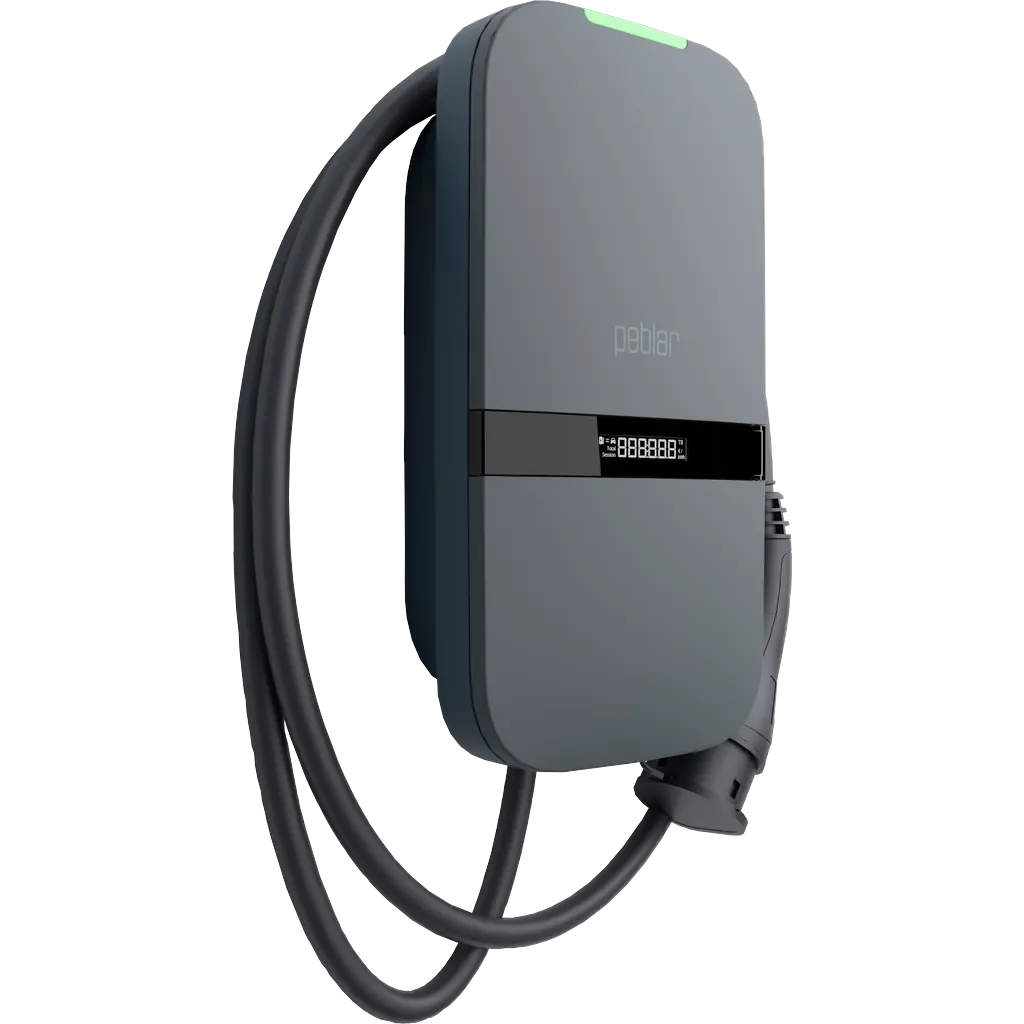
Peblar at a glance
From our integration records, checked on 7 October 2026. Contact details checked on 11 September 2026.
The integration
- What it is
- AC wallboxes for home and business
- Connects through
- OCPP 1.6J
- On Plugchoice
- Confirmed Business, Home and Home Plus
- Connect guide
- How to connect Peblar
Peblar
- Company
- Prodrive Technologies N.E. B.V.
- Founded
- 2023
- Head office
- Science Park Eindhoven 5501, 5692 EM Son, The Netherlands
- Website
- peblar.com
Contact
- Phone
- +31 40 267 6200
- info@peblar.com
- Support page
- peblar.com/contact
- Help center
- support.peblar.com/hc/en-gb
- Hours
- Monday to Friday, 09:00 to 17:00, Amsterdam time
- Languages
- English, Dutch, French, German
Questions about Peblar
The Home, the Home Plus and the Business, over OCPP 1.6J. We tested all three with Plugchoice.
Yes. The Dual is Supported on our integration list: it connects over OCPP 1.6, as the other three do. For a row of Duals on one grid connection, see Peblar Dual load balancing.
Yes. On the charger's setup page, open Managed in the authorization step and set Backoffice to Plugchoice. Then add the charger in Plugchoice. Read the Peblar guide
Update the charger to the latest Peblar firmware, then run the setup again.
Yes, with Smart Charging. Plugchoice sets the charging current within the maximum current and the phases you set on the Peblar during setup.
Yes. Plugchoice passes the connection on to the back office your Peblar already uses, so it keeps billing your sessions. How the OCPP proxy works
Plugchoice is free for every charger. Smart Charging is from €25 a year per socket. See pricing
About this page
Peblar and the Peblar logo are trademarks of their respective owner. All other names, logos and trademarks are the property of their respective owners. This page is published independently by Plugchoice and is not affiliated with, endorsed by or sponsored by Prodrive Technologies N.E. B.V. Every detail about Peblar was taken from our integration records and the sources below, and was accurate to the best of our knowledge on 7 October 2026. Products and terms change, so please confirm the current details with Prodrive Technologies N.E. B.V. before relying on them.
Sources: Our integration list, Peblar AC chargers spec sheet, How to connect Peblar, Our manufacturer records and Our partner directory.