Power management on Plugchoice with Chargee meters
Chargee builds the meters Plugchoice reads when you turn on power management. Their Sparky P1 dongle and Flint gateway give every site, from a home to a depot, a live view of how much grid you have left.
Why Chargee meters are a natural fit for Plugchoice
Chargee is a Dutch energy company that reads smart meters and inverters directly, then puts the data where Plugchoice can use it.
A Chargee meter tells Plugchoice how much grid is free, second by second, so charging speeds up when the building is quiet and eases off when it is busy. Sparky is the easy P1 dongle, Flint the gateway for commercial sites with sub-meters or inverters.
Meet the meters two ways to give Plugchoice a live read on your site
Chargee makes two meters that work with Plugchoice. Sparky is the simple P1 dongle for homes and small sites. Flint is the gateway for commercial sites with Modbus, Ethernet or 4G.
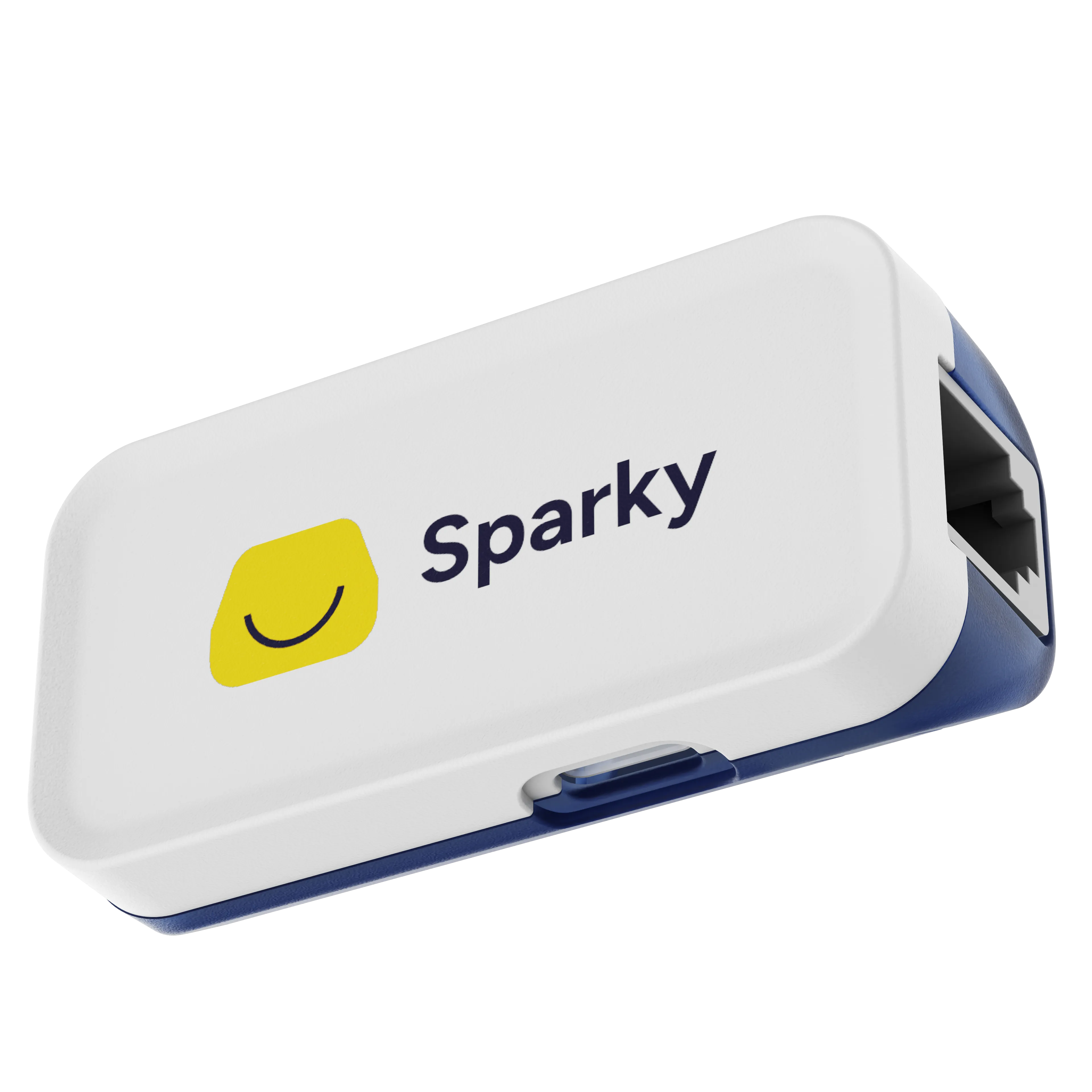
Sparky
For homes and small sitesThe clip-on P1 dongle
- P1 / HAN, (D)SMR4.0 and higher
- Wi-Fi 2.4 GHz
- USB-C powered, adapter included
- Built-in P1 splitter
- One-minute self-install, no electrician
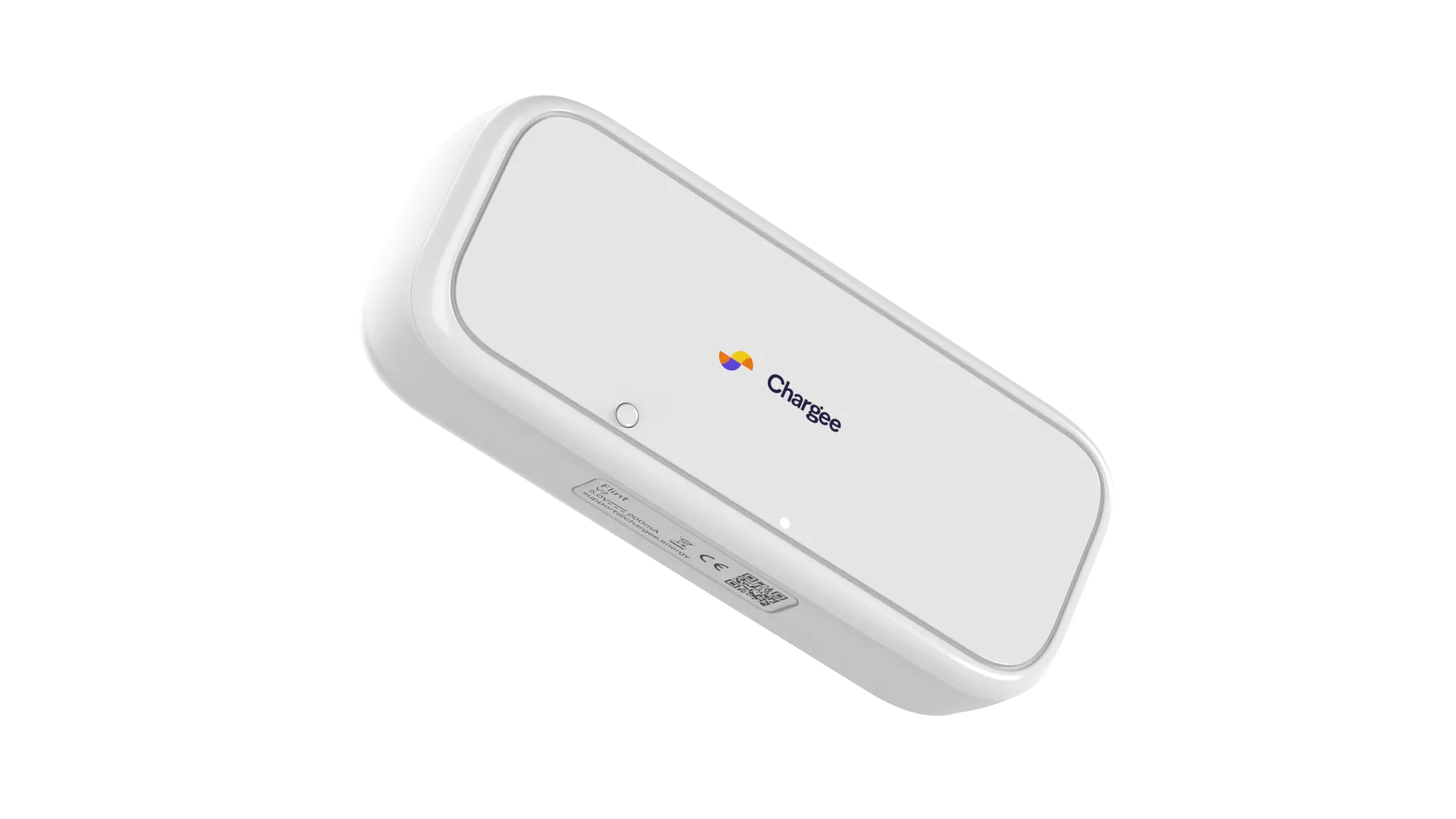
Flint
For commercial sites and installersThe professional gateway
- P1, HAN and Modbus (SMR4.0+)
- Ethernet RJ45, Wi-Fi 2.4 GHz, optional 4G
- Modbus RS485 for sub-meters and inverters
- Works with SolarEdge, Growatt, Alfen and more
- ISO 27001 certified
Read on everything Chargee and Plugchoice, in one place
Chargee in real life click on, plug in, watch
Sparky clicks onto the smart meter, Flint sits in the cabinet, and the Chargee app gives the whole building a face. From there Plugchoice reads along.

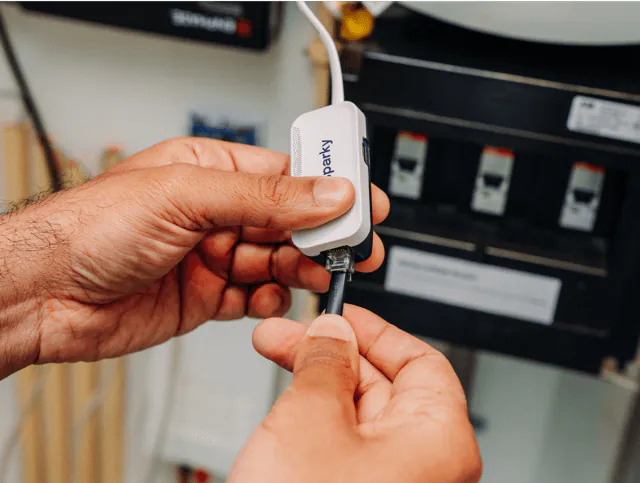
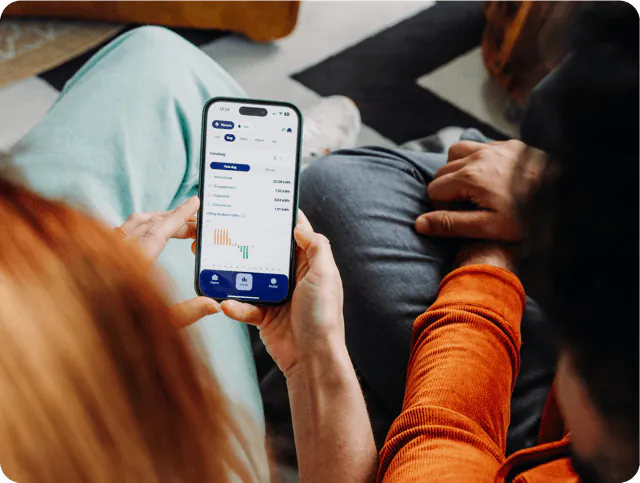
Imagery: Chargee
When you actually need a meter on Plugchoice
Plugchoice splits smart charging into two jobs. A Chargee meter matters for one of them and not the other. Knowing the difference tells you when you actually need to install hardware.
Needed for power management
Power management, also called load balancing, shares one grid connection between the building and the chargers. Plugchoice can only do that safely if it knows the building's live power draw, and that number can only come from a meter.
- Sparky or Flint reports the building's live power and feed-in
- Plugchoice subtracts it from the grid limit to find spare capacity
- Charge power tracks the building load up and down, per phase
- Solar surplus charging works from the same live reading
Not needed for tariff management
Tariff management decides when charging is cheap and shifts sessions into those hours. It runs on energy prices and schedules, not on meter data. Dynamic and fixed tariffs run on Plugchoice without a meter installed.
- Dynamic and fixed tariffs work from price data and the time of day
- Night-rate and scheduled charging need no extra hardware
- A meter is still useful for accurate cost and energy reporting
- Add a Chargee meter the moment you want load balancing too
What you get with a Chargee meter on Plugchoice
Grid-aware load balancing
Plugchoice reads the meter and keeps total power under the grid connection, raising charge speed whenever the building falls quiet.
Per-phase protection
Sparky and Flint report every phase on its own, so Plugchoice can ease back a single loaded phase instead of throttling the whole charger.
Solar-aware charging
Both meters measure feed-in too, so Plugchoice can favor the hours the building is exporting solar power to the grid.
A free P1 port kept open
The built-in pass-through lets a dynamic supplier dongle or the Chargee app keep working alongside Plugchoice on the same meter.
Modbus for bigger sites
On Flint, Modbus RS485 brings sub-meters and inverters into the picture so commercial sites get one full view.
A self-install in minutes
Sparky clips onto the P1 port over USB-C with no electrician. Flint adds Ethernet, Wi-Fi and an optional 4G modem for tougher locations.
Everything you get on Plugchoice
The moment your chargers run on Plugchoice, every one of these comes with it, instantly. Almost all of it is free, €0 forever. Only the few labelled add-ons cost extra.
Smart Charging and Billing are priced per charger. The Partner Program is only a flat platform fee per company, not a per-charger cost, and it unlocks everything in its column.
See complete pricingCharger Management
Locations & Teams
Charge Cards & Transactions
Interfaces
OCPP Proxy
Power Management
- Dynamic load balancingSmart Charging | €1.23/mo/evse
- Solar balancingSmart Charging | €1.23/mo/evse
- Peak shavingSmart Charging | €1.23/mo/evse
- Power sharingSmart Charging | €1.23/mo/evse
- Start/stop schedulingSmart Charging | €1.23/mo/evse
- Wireless meter supportSmart Charging | €1.23/mo/evse
- Visual power configuratorSmart Charging | €1.23/mo/evse
Tariff Management
- Dynamic energy tariffsSmart Charging | €1.23/mo/evse
- Scheduled chargingSmart Charging | €1.23/mo/evse
Billing & Invoicing
- Automatic invoicing per charging sessionBilling & Invoicing | €5.95/mo/evse
- Reimburse employees for home chargingBilling & Invoicing | €5.95/mo/evse
- Per-user and per-card cost allocationBilling & Invoicing | €5.95/mo/evse
- VAT-ready invoices in your own brandingBilling & Invoicing | €5.95/mo/evse
- Accounting-ready exportsBilling & Invoicing | €5.95/mo/evse
Support
- In-app chat and email support
- Help center
- Priority responsePartner Program | €29/mo/account
- Custom SLACustom | Talk to us
Alerts
- Automatic alertingPartner Program | €29/mo/account
- Ticketing states, assignees and escalationPartner Program | €29/mo/account
- Automatic problem solvingPartner Program | €29/mo/account
Branding
- Whitelabel Web PortalPartner Program | €29/mo/account
- Custom domain with SSLPartner Program | €29/mo/account
- White labeled appCustom | Talk to us
Revenue & Commercial
- Revenue share on Smart ChargingPartner Program | €29/mo/account
- Revenue share on Billing & InvoicingPartner Program | €29/mo/account
- Revenue share on VPP and EREPartner Program | €29/mo/account
- Virtual shelf spaceCustom | Talk to us
- Joint marketingCustom | Talk to us
How to add a Chargee meter to your Plugchoice location
Pick Sparky or Flint
Use Sparky for a home or small site on one smart meter. Pick Flint for a commercial site with Modbus sub-meters, inverters or a 4G fallback.
Connect to the smart meter
Plug the device into the smart meter's P1 port and follow Chargee's app to get it on Wi-Fi or Ethernet. Their install guides cover both meters.
Add it in Plugchoice
In the portal, open the location and add the meter under the main fuse. The portal starts reading it within a minute.
Turn on load balancing
Set the grid connection limit and switch on power management. Charging now follows the live meter data. The meters guide in Plugchoice support has the full walkthrough.
Where Chargee meters fit best
Sparky for a home charger
A single wallbox on a small grid connection lets Sparky free up every spare amp instead of charging at a fixed low speed.
Sparky for a small business
A shop or office with a few chargers gets full load balancing without an electrician opening the meter cabinet.
Flint for a depot or office park
Multiple chargers, sub-meters and solar inverters land on one Flint gateway over Modbus and Ethernet, ready for Plugchoice to read.
Flint where Wi-Fi is patchy
Outdoor sites, rural buildings and substations run Flint over Ethernet or the optional 4G modem, so the meter stays online.
Frequently asked questions
Do I need a Chargee meter to use Plugchoice?
No. Charger management on Plugchoice is free and works without any meter. You need a meter once you want power management, which balances charging against the building's live power use. The meters guide in Plugchoice support covers the full picture.
Is a meter needed for tariff management?
No. Tariff and dynamic-price charging run on energy prices and schedules, not on meter data. A meter is only needed for power management, so you can start with tariffs and add a Chargee meter later.
Which Chargee meter should I pick?
Sparky is the simple choice for homes and small sites with one smart meter and Wi-Fi. Flint is the gateway for commercial sites with Modbus sub-meters, inverters, or sites that need Ethernet or 4G connectivity.
Can I keep my energy supplier's P1 dongle?
Yes. Both Sparky and Flint have a P1 splitter, so a dongle from your dynamic energy supplier keeps working alongside them on the same meter.
Which smart meters do they work with?
Both meters connect to the P1 port of (D)SMR4.0 and higher smart meters. Chargee has tested them across the Dutch grid and on the Belgian HAN port. Flint also brings Modbus into the mix for sub-meters and inverters.
Does the meter wire into the charger?
No. The Chargee meter sits at the building's main fuse and sends its reading to Plugchoice over the internet. There is no physical connection between the meter and the charger, so the two can be anywhere on the site.
Does Plugchoice balance each phase separately?
Yes. Sparky and Flint report each phase on its own, so Plugchoice adapts to the worst-case phase and eases back a single loaded phase instead of throttling the whole charger. Cars always keep at least the legal 6 A minimum.
What happens if the meter goes offline?
Plugchoice notices the data has stopped and falls back to a safe fixed charge speed, the static load balancing floor. If the interruption is temporary, dynamic load balancing resumes automatically once the meter sends data again. It depends on that meter connection staying available.
Where do I get a Chargee meter?
Order a Sparky directly from Chargee at shop.chargee.energy. Flint and other professional gear is on the Chargee for professionals site. Installers usually carry stock too, and the Plugchoice support article on Chargee meters covers ordering and setup.
Booking service providers: customers, data, one connection
One integration with Plugchoice, not one per CPO or charger brand. Customers pick you through the platform and session data flows in a standardized format.
Customers via OAuth
End-users authorize you directly. Plugchoice handles consent and revocation.
Verification-ready data
MID meter data, EAN, session-level detail. One API, one format.
Normalized charging data
Plugchoice maps every OCPP brand to the same structure. No brand-specific parsers.
Existing customer base
Plugchoice exposes your service to charger owners on the platform. No cold outreach.
One connection, every CPO
No separate integrations per CPO or backoffice. Plugchoice sits in between.
Add power management with Chargee
Connect your chargers to Plugchoice for free, then pair a Sparky or Flint to turn on load balancing.
About this page
Chargee and the Chargee logo are trademarks of their respective owner. All other names, logos and trademarks are the property of their respective owners. This page is published independently by Plugchoice and is not affiliated with, endorsed by or sponsored by Chargee. Every detail about Chargee was taken from publicly available sources and was accurate to the best of our knowledge on the date shown. Specifications and features change often, so please confirm the current details with the manufacturer before relying on them.