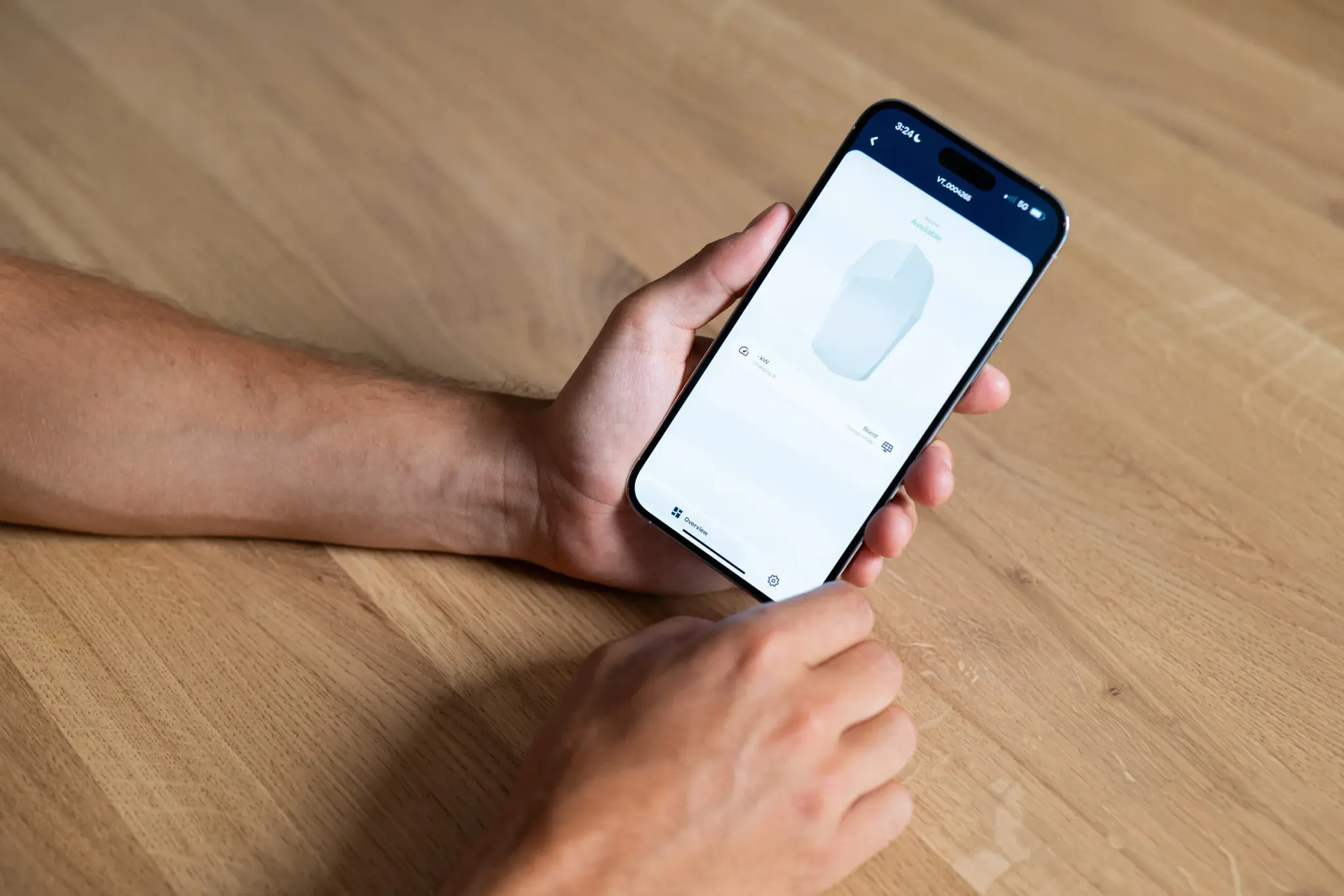
Most EV charger manufacturers ship their own app, tied to their own hardware. Own two brands, or manage chargers you did not choose yourself, and that means two logins, two interfaces, and two places to check when something needs attention. Plugchoice's app takes a different approach: it talks to a charger over OCPP rather than a manufacturer's proprietary link, so the same app works with any compatible charger regardless of who built it. It is available on the App Store and Google Play, and it is built for two different jobs: day-to-day control for the person who owns or drives the car, and on-site commissioning for the installer who put the charger on the wall.
One app instead of one per brand
The reason brand-specific apps exist is that most chargers still talk to their manufacturer's own backend by default. An OCPP app works differently: OCPP is an open, vendor-neutral protocol for the connection between a charger and its management software, so an app built on it does not need to know or care which company made the hardware. Plugchoice's compatibility list already spans chargers from Alfen, Peblar, Wallbox, Zaptec, Charge Amps, Smappee, BESEN and Ratio, among others, and the interface stays the same across all of them. The full, current list is on the integrations page.
That matters most for anyone who does not get to pick a single brand: a site with chargers installed over several years, a landlord inheriting whatever the previous owner chose, or an installer who works across a customer base that never standardized on one manufacturer.
What a driver or charger owner can do
For the person actually plugging in, the app covers the daily controls: start, stop and monitor a charging session remotely, lock the charger and set autostart so it begins the moment a cable is plugged in, and use boost mode when the site allows the maximum available power. Charge cards and access sit in the same app: add and manage RFID cards, review transaction history with kWh and timestamps, and, for anyone managing more than one location, invite other members and control who is allowed to charge where. Someone running more than one charger, at home and at a second property, or across a small fleet, manages all of them from the same screen instead of switching between locations manually.
What an installer can do on site
The second audience is the installer, and the app is built around the actual sequence of a commissioning visit rather than treating setup as an afterthought. The flow runs: create the location and site details, add an energy meter for power management, register the charger to that location, apply its configuration wirelessly, register any RFID cards the customer will use, connect a billing or management operator through the OCPP proxy, and hand the installation over to the customer with a single invite. Changes made this way sync to the web portal instantly, so an office-based colleague sees the same state the installer just set on site. If something needs adjusting later, the installer or the customer can come back through the app or the portal instead of a second site visit.
Smart charging, set from the app
The features that make a charger cheaper or greener to run live in the app too, not only in a backend dashboard. Smart Charging covers dynamic load balancing (distributing available power automatically across chargers on a shared connection), solar balancing (charging from solar surplus when it is available), peak shaving (staying under a site's grid capacity limit), dynamic tariffs (shifting charging to the cheapest hours on a real-time energy price), and scheduled charging windows. All of it is configured from the same screen used for day-to-day control, under Power Management and Tariff Management.
App, web portal and API: one platform, three doors in
The app is not a separate product from the rest of Plugchoice, it is one of three interfaces onto the same backend, alongside the web portal for fleet-level management and diagnostics, and a REST API for teams building their own integrations or automation. A change made in one shows up in the others in real time: the same charger data, the same locations and the same support context, whichever interface someone happens to be looking at. In practice that means an installer can start a commissioning job in the app on site and a colleague can pick up exactly where it left off in the web portal back at the office.
Support is built into the app as well: end-users can message support directly without leaving the app, installers can call for immediate help, and either can attach a photo to speed up diagnosis, through the same support team that handles the web portal and API.
Getting it
The app, the web portal and the API are all part of Plugchoice's core platform, free for every connected OCPP charger with no separate charge for the mobile app itself. It is available now on the App Store and Google Play; anyone starting from a charger that is not connected yet can begin at Get started.