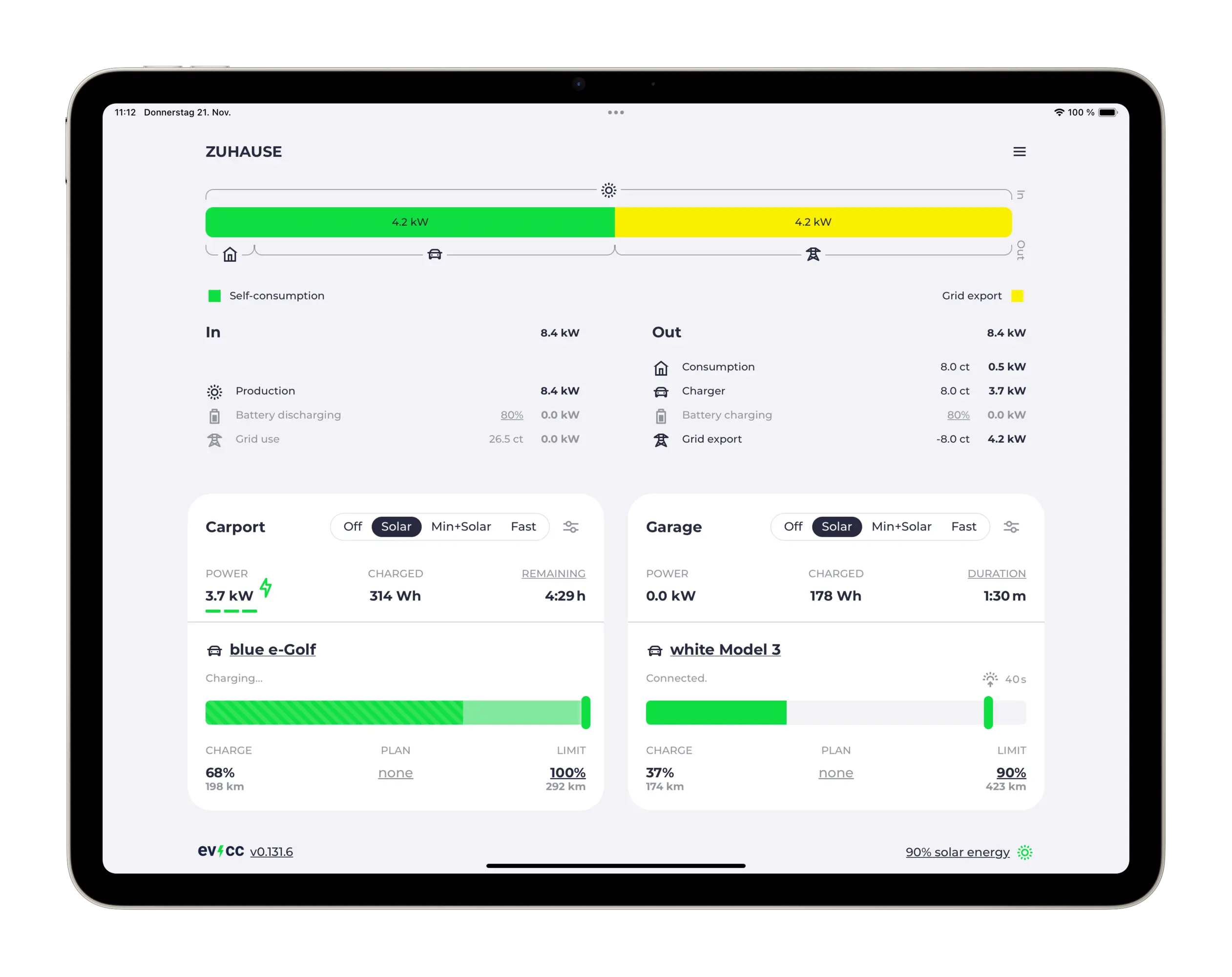
evcc added Plugchoice as a supported charger source in May 2026. Getting a charger actually talking to both systems at once is the shorter, more mechanical part: three fields on the evcc side, one setting on the Plugchoice side, and an evcc sponsor token most commercial chargers need regardless of backend. This is that setup, checked against evcc's own Plugchoice device documentation.
What has to be true before you start
The charger needs to already be online in Plugchoice over its normal OCPP connection, the same way it would be with no evcc involved. evcc itself needs to be installed and running somewhere on the same network as the site, whether that is a Raspberry Pi, a NAS or a small server. Neither of these is specific to Plugchoice; they are the same starting point evcc expects for any charger it manages.
The three fields evcc's Plugchoice template needs
evcc does not have a dedicated Plugchoice driver. It connects through its generic template charger type, pointed at the plugchoice template, which takes three parameters:
chargers:
  - name: my_charger
    type: template
    template: plugchoice
    token: your-api-token
    identity: AA123456
    connector: 1
token is a Plugchoice API token; Plugchoice's own account settings let you "generate a token from your account settings and start making requests immediately." identity is the charger's identity as it appears in the Plugchoice portal, the same identifier the charger uses to connect over OCPP. evcc's reference marks both fields optional, but leaving identity blank only works if the account has a single Plugchoice-connected charger; anyone running more than one needs it set correctly per charger. connector defaults to 1 and only needs changing on a multi-connector station, numbered from 1.
Two portal settings for accurate meter readings
evcc's documentation flags two OCPP configuration keys to set on the charger inside the Plugchoice portal for evcc to read power correctly: MeterValueSampleInterval to 10 seconds (or another short interval) and MeterValuesSampledData to Energy.Active.Import.Register,Current.Offered,Current.Import,Voltage. Skip this and evcc can usually still start and stop a session, but the live power figure it uses to follow solar surplus or a dynamic tariff will be coarser or missing.
The evcc sponsor token
Separate from anything configured on the Plugchoice side, evcc gates most commercial charger integrations behind its own sponsor token, and Plugchoice is one of them: evcc's docs note that "for many commercial EV chargers, we require a sponsor token," while open-hardware chargers and chargers whose maker actively supports evcc development stay free. A token currently runs $4 a month through GitHub Sponsors, or a one-time $150 through GitHub Sponsors or EUR 150 through evcc's own Creem.io payment page, either of which unlocks it for good. Budget for this before assuming a connection that will not authenticate is a Plugchoice-side problem.
The charger stays fully managed in Plugchoice
evcc describes its own Plugchoice connection as running through Plugchoice's OCPP proxy, and that is the point of building it this way rather than a direct integration. The charger keeps its full Plugchoice management, remote configuration and diagnostics exactly as before; evcc adds its solar and price logic on top rather than replacing anything underneath. Nothing here has to be undone to stop using evcc, and nothing on the Plugchoice side changes because evcc is watching.